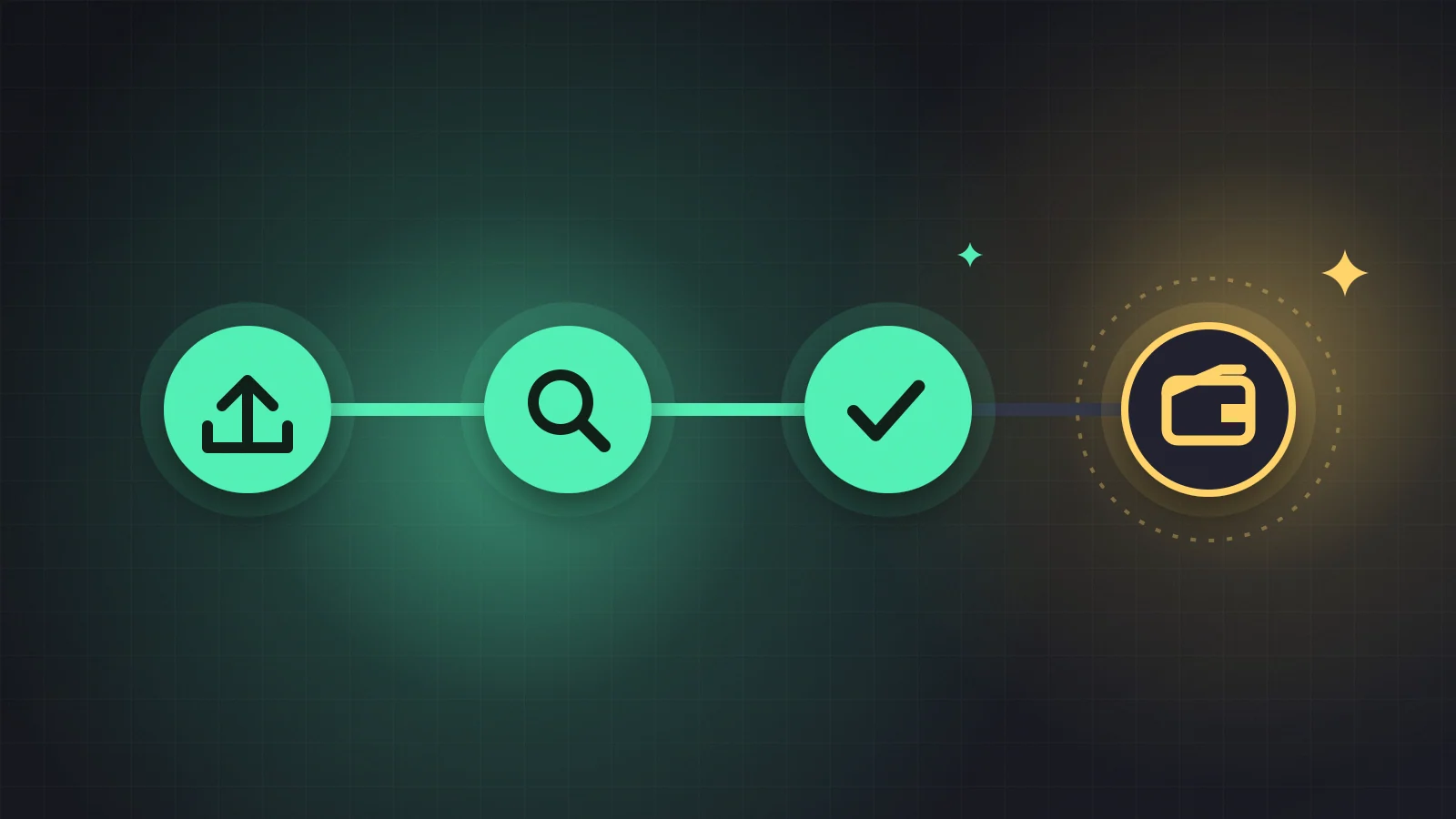
When you create a withdrawal request, it now appears on a receipt-style card with a live status tracker underneath. No need to refresh — the tracker moves on as the status changes.
Stages
- Request: your request is created and the amount is set aside from your balance.
- Approval: the payments team checks and approves your request.
- Sending: it is being passed to the payment provider.
- Paid: the money is in your account.
What if a request is rejected?
The amount of a rejected request goes back to your balance and the reason is shown on the card. If something's not right, write to us from the support page.